Encrypted from the start.
AES-256-GCM protects your photos, videos, previews and sensitive library details. Included in Free and Pro.
ENCRYPTED PHOTO VAULT FOR iPHONE
An encrypted photo vault for iPhone. Keep your photos and videos on your device, with a password, passcode, swipe pattern or Face ID.

Coming soon to iPhone.
Free to start. AES-256 encryption always included.

Your memories. Your key.
We don’t have a master key to your vault.
PRIVATE MEANS PRIVATE.
Photo Vaulty stores encrypted copies on your device. No account to create. No photo server run by us.
AES-256-GCM protects your photos, videos, previews and sensitive library details. Included in Free and Pro.
Each vault has its own lock and recovery key. We can’t reset a lost recovery key or open your vault for you.
Your media stays local unless you export it or send an encrypted copy. Imports leave Apple Photos originals untouched.
Original photo and video files, their previews, and sensitive library metadata are encrypted before they are stored in the vault. AES-GCM provides authenticated encryption: changing the encrypted bytes or using the wrong key causes authentication to fail.
Each vault starts with a randomly generated 256-bit encryption key. Separate media and preview keys are derived for stored objects. Your chosen password, six-digit passcode or swipe pattern protects access to the vault key together with a device-held secret. All lock methods use the same AES-256 encryption; more pattern dots do not change the encryption key size. A stronger password or less predictable pattern still matters.
Photo Vaulty does not operate a photo-storage server or keep a developer master key. Your passwords and recovery keys are not sent to Apple or RevenueCat through the purchase integration. We cannot decrypt your vault or reset a lost recovery key for you. Face ID or Touch ID is an optional device-local way to unlock; it does not replace encryption or your recovery key.
Private content is decrypted for use only after successful authentication. The locked-screen blur is decorative artwork, not a saved screenshot or blurred copy of your private photos. The blur-to-clear reveal happens after unlocking. Relocking removes the private library view; a separate privacy cover protects the app-switcher view.
Personal backups are encrypted and need the appropriate recovery key. Pro sharing and device transfers create independent encrypted snapshots with a separate transfer key. Keep keys separate from the files they unlock. Transfers do not automatically synchronize changes or revoke other copies.
Encryption protects stored vault data. It cannot prevent someone from seeing an already unlocked screen, taking a screenshot, accessing explicitly exported plaintext, or using a compromised operating system. Imports leave original copies in Apple Photos, including any independently enabled backups. Duress deletion affects local vaults and device-held keys, not external copies or flash-memory remnants.
Automated tests have checked the 256-bit key requirement, tampering rejection, incorrect-key handling, locked storage, recovery, encrypted backups and isolated deletion. These tests are not an independent security audit. Additional physical-device, accessibility and purchase testing remain part of preparation for release.
A LOOK INSIDE.
A familiar iPhone experience,
with a little more privacy.
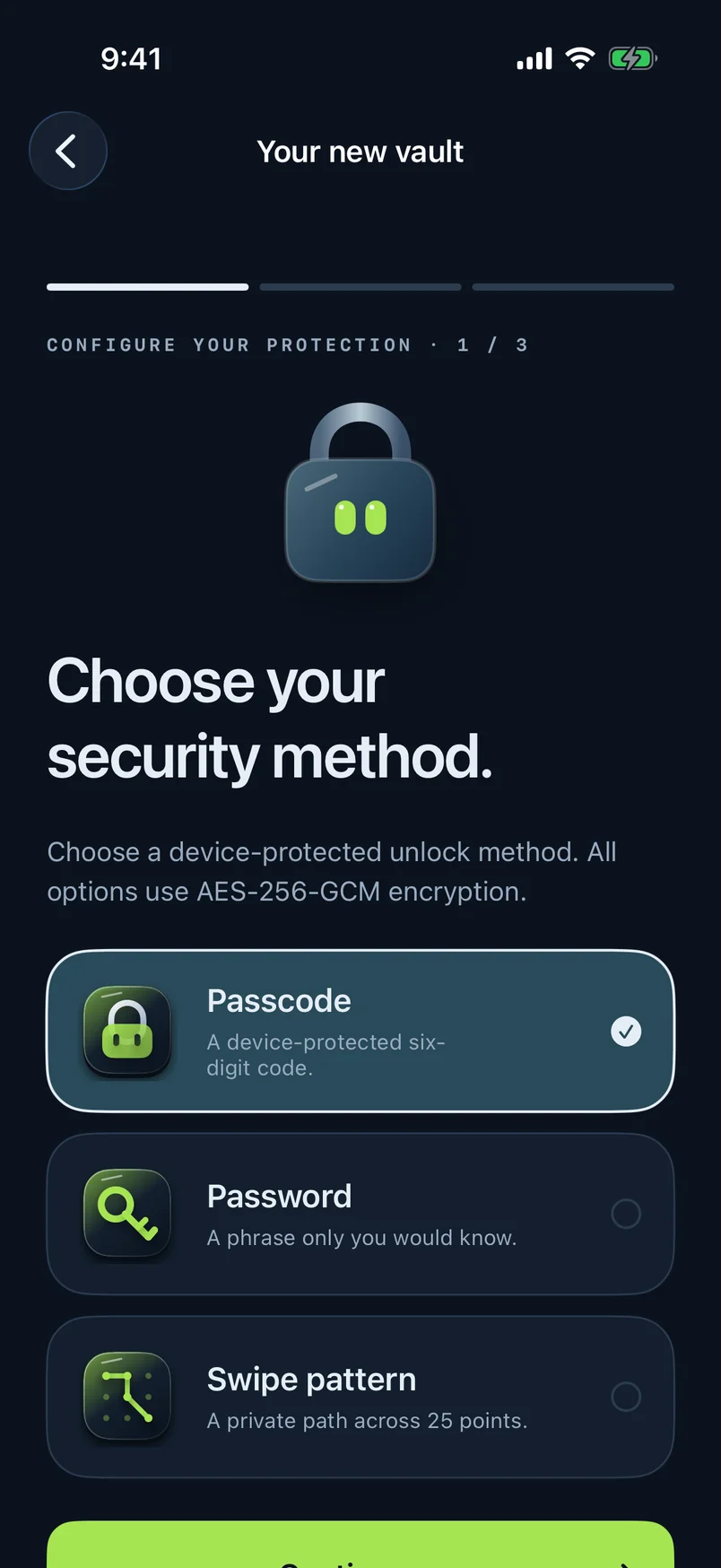
A password, a six-digit code or your own swipe pattern.
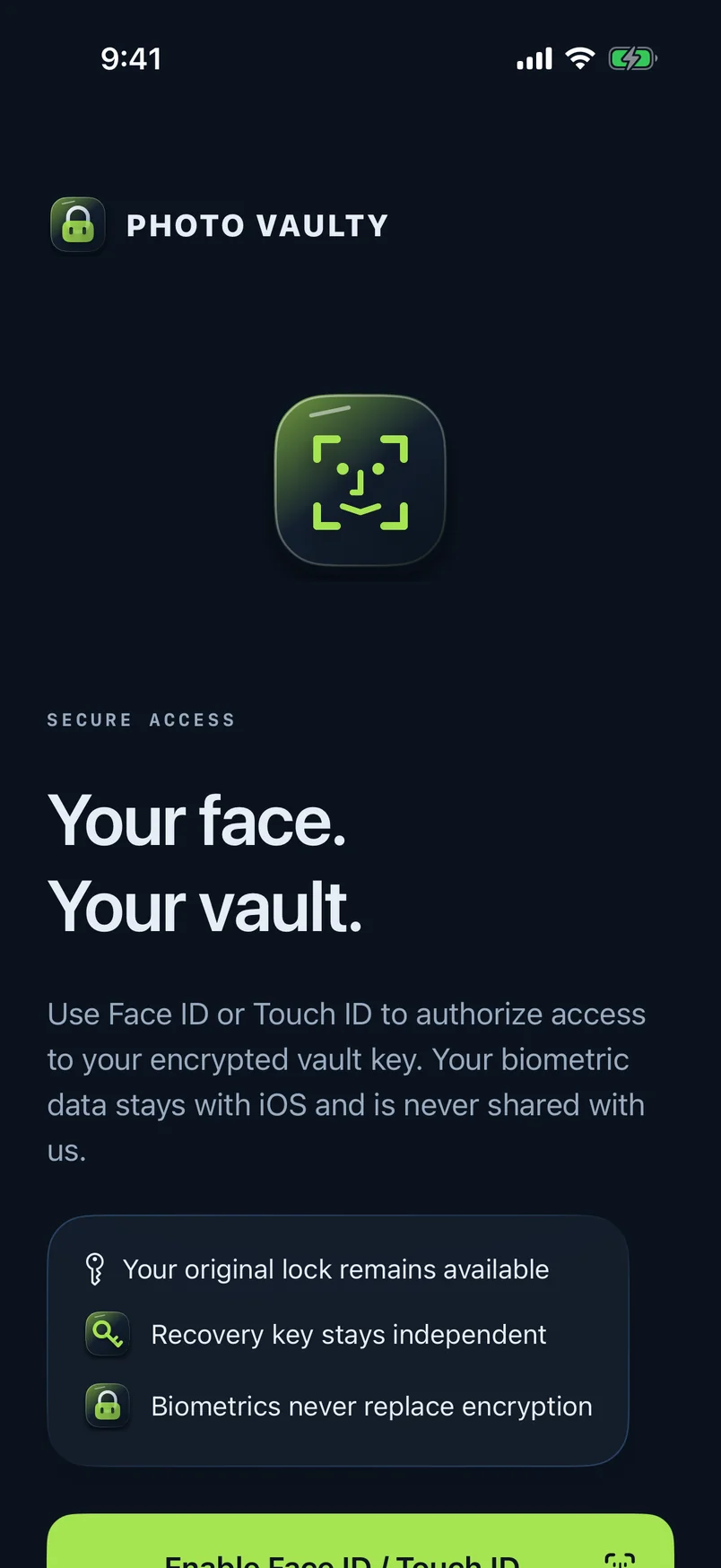
Add Face ID or Touch ID for quick, private access.

Pick a different Home Screen icon with Pro.
Actual app screens. The recording uses a demo vault with sample folders.
START FREE. KEEP IT PRIVATE.
Start with Free. Add more room and controls with Pro.
Your own private space.
Limits apply across all vaults, including Recently Deleted.
Everything in Free, plus:
USD launch prices. Monthly and annual plans renew automatically. Localized App Store prices apply. Device storage and file-size limits still apply.
Pro device transfers create independent encrypted copies, not automatic cloud sync. Duress deletion affects this device only; originals, exported backups and other devices remain. Apple and RevenueCat process purchases and purchase analytics; vault content and keys are not sent to those services.
We don’t operate a photo server or hold a master recovery key. Media and sensitive library details are encrypted locally. Protection has limits on an unlocked or compromised device and does not cover screenshots, exported copies or originals outside the vault.
Use your separate recovery key. Keep it somewhere safe away from your phone, alongside a separate encrypted backup. We cannot recover a lost key for you.
No. Photo Vaulty makes a separate encrypted copy. Manage originals and any independently enabled backups separately.
Pro lets you transfer an encrypted snapshot using a separate transfer key. The copies are independent; changes and deletions do not automatically sync.
Photo Vaulty is preparing for release. The Free plan includes AES-256-GCM encryption, up to 100 photos, 10 videos and 3 independent vaults. Pro removes app count limits and adds extra controls. Encryption is included in both plans.
Photo Vaulty stores encrypted copies locally on your iPhone and does not require a photo-storage account. You can choose to export encrypted backups or, with Pro, transfer an encrypted snapshot. Those copies do not synchronize automatically.
The iPhone app is in development and is not publicly released yet. The video above is a real recording of the native app’s swipe unlock in an iPhone simulator, using a separate demo vault with sample folders.
THE JOURNAL
Apple’s Hidden album already has authentication. Compare separate vaults by their keys, originals, backups and recovery—not by a scary headline.
2026-11-01 · 4 min readEncryption protects stored files. Learn what AES-256-GCM does, where your key fits in, and what a photo vault cannot protect.
2026-11-01 · 4 min readPHOTO VAULTY · Coming soon to iPhone.
Questions? justice@alphabetski.com ↗